
ChatMai: AI customer replies from your shop's own knowledge, with a person when needed
Customers ask the same things about products, delivery and policies. How ChatMai answers from what your shop has written down, what happens when it does not know, and how each channel keeps its own context.
Published
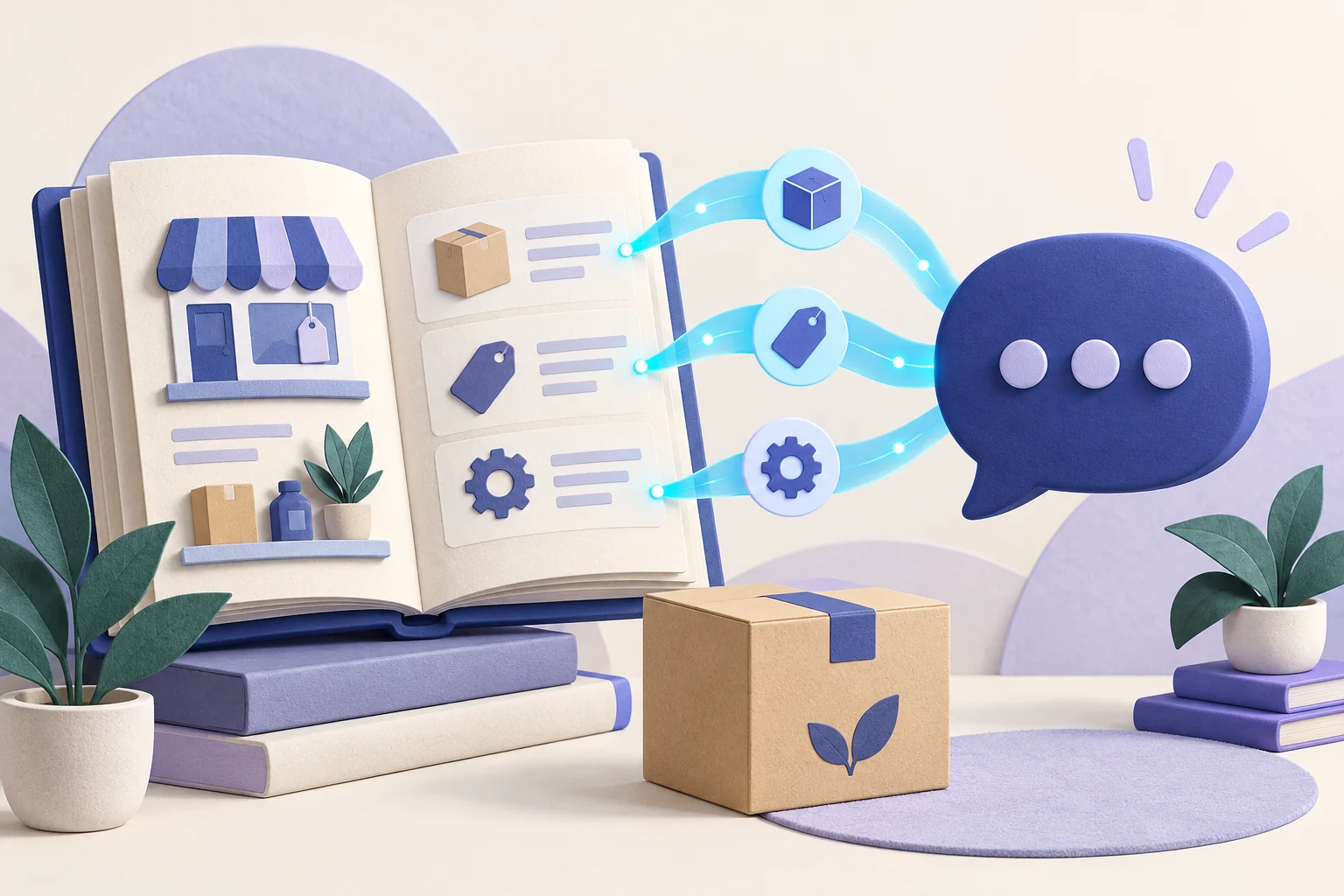
Why a fast reply is not enough
Picture a small online shop on a busy evening. Messages arrive on several channels at once, and many of them ask the same things: is this in stock, how long does delivery take, can I return it? Answering quickly matters, but a quick answer that gets a price or a policy wrong can cause more trouble than a slow one.
An AI model answering from general knowledge can sound confident while it guesses. A shop needs something different: replies drawn from the shop's own information, silence when the answer is not there, and an easy way for a person to step in.
Start with what your shop actually knows
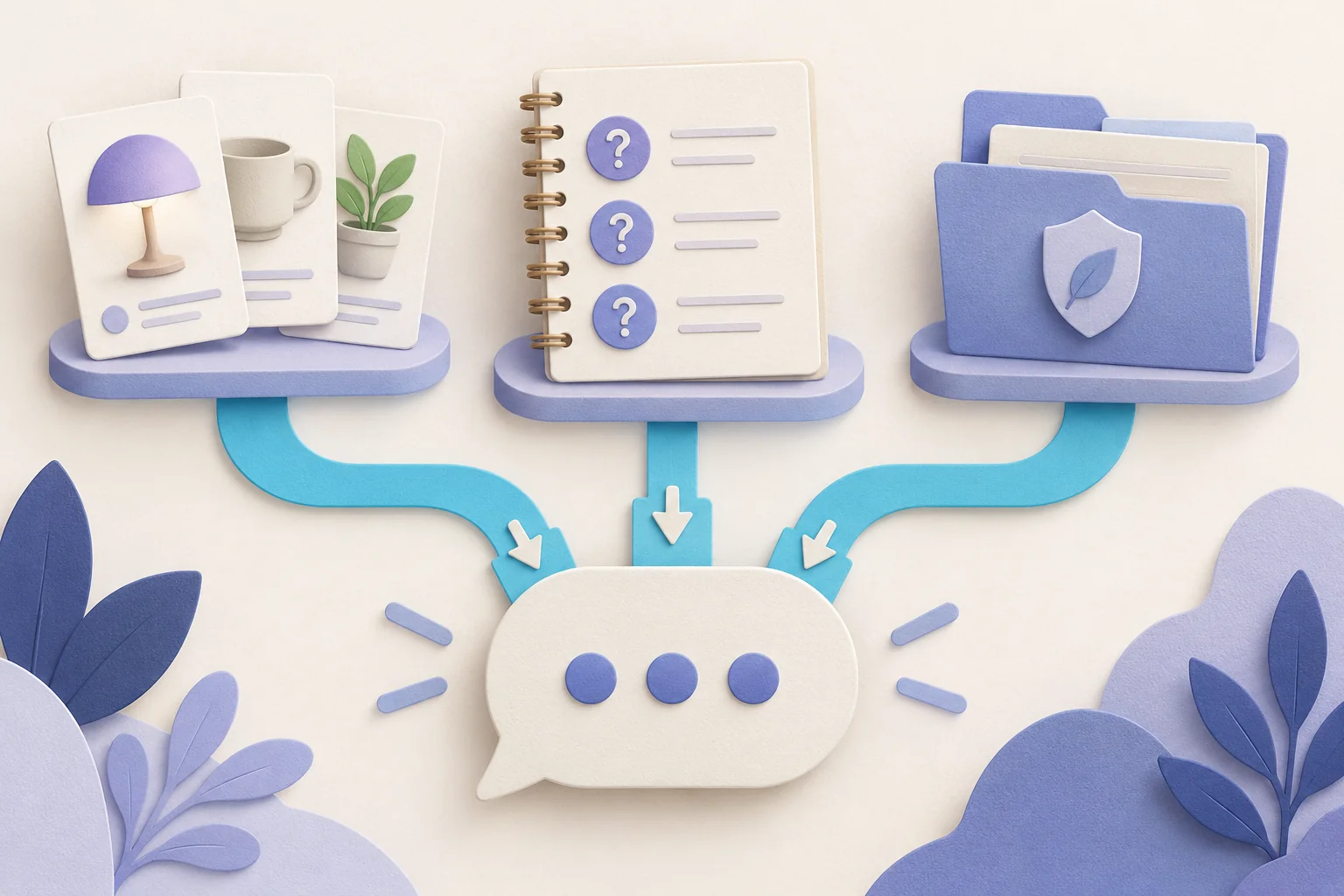
In ChatMai, the AI answers from information you write down for your workspace:
- Knowledge entries for your products, services, frequently asked questions, policies and general information about the shop.
- Bulk import, by pasting question-and-answer pairs or a CSV file, so you do not have to type every entry one at a time.
- Your shop profile and, if you switch on Reference products, your live product catalog from ContentVelo.
Before you rely on it, you can test a question and see exactly which entries the AI would use to answer it, choosing which channel's customer you are testing as.
How a grounded reply works
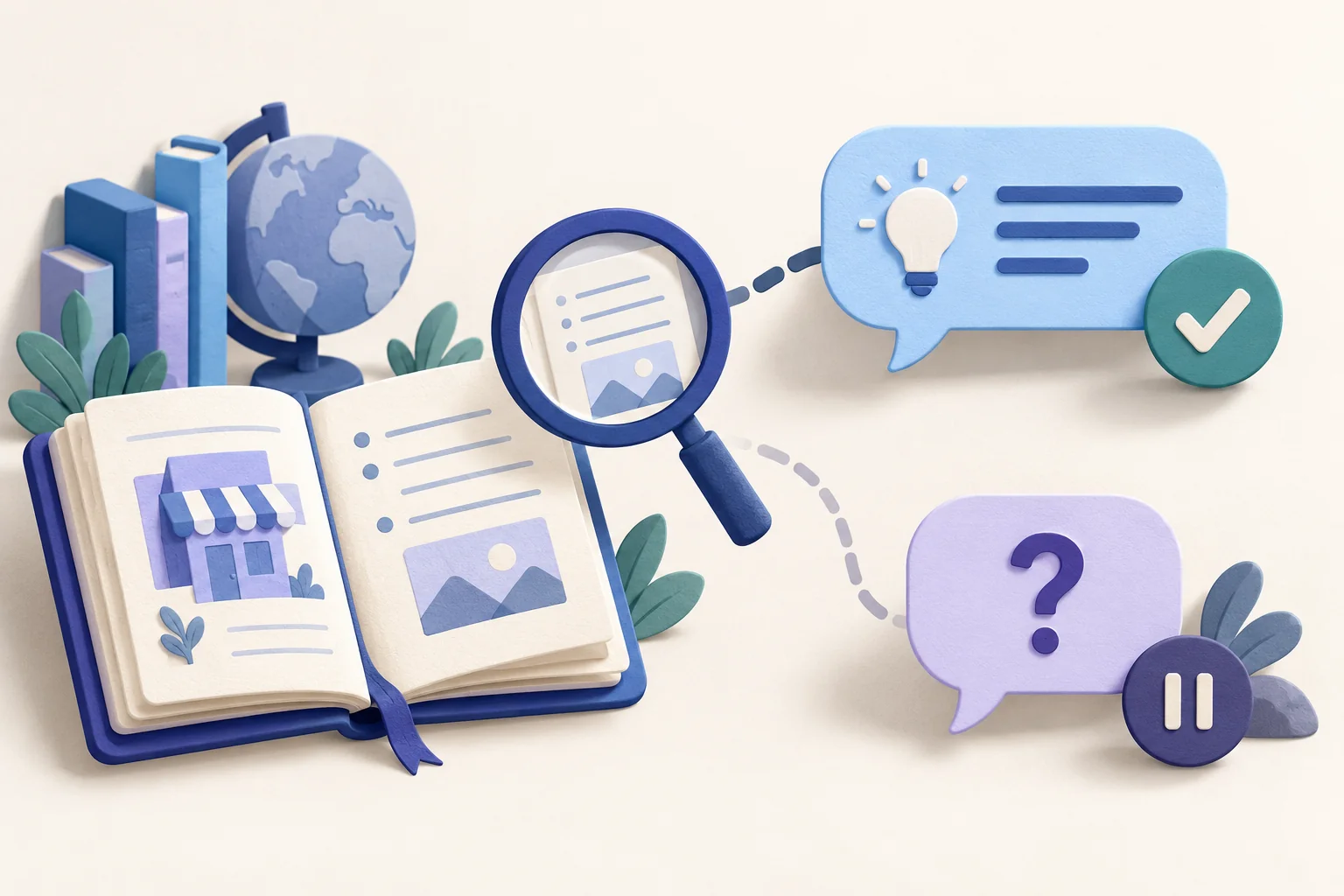
The AI states prices, stock, shipping, policies and other facts only when they appear in your knowledge entries, your shop profile or, when Reference products is on, your product catalog. A check then compares the reply with the text it relies on and rejects claims that text does not support.
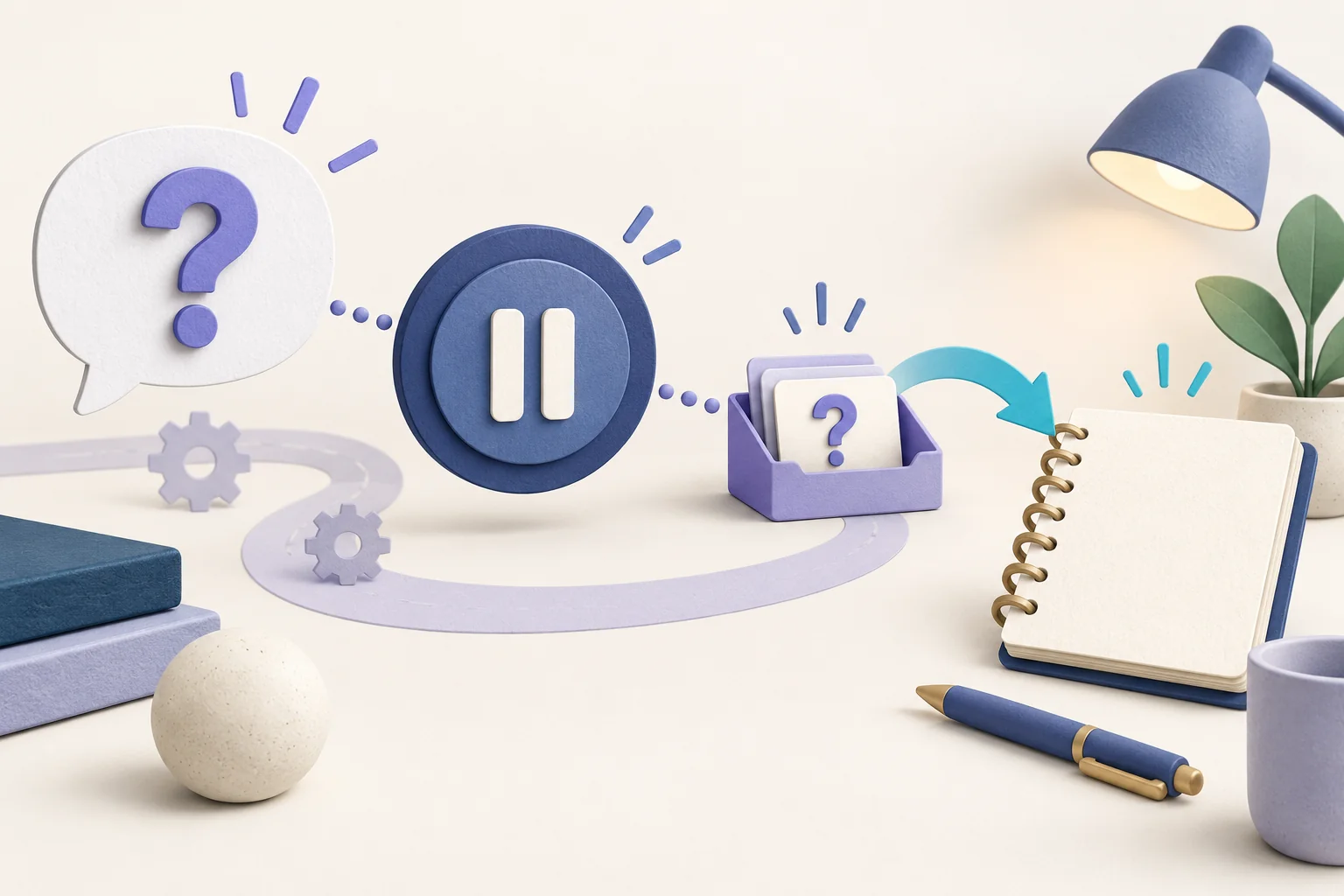
When the AI cannot find the answer, or the AI provider is unavailable, it sends the customer nothing and puts the question in a queue for you instead of guessing. The check cuts down guessing but cannot rule out every mistake, so keeping your entries accurate still matters.
Handing a chat to a person
Some conversations are better handled by a person. ChatMai covers that in three ways:
- When a customer asks for a person, the chat is handed off and the AI pauses in that chat. The Inbox marks the chat until someone replies, and you can pick it up or turn the AI back on.
- For each channel you can list words or sentences the AI should leave alone. A matching message stays in the Inbox for a person: it is not sent to any AI, and no automatic reply goes out.
- Each AI configuration decides whether an unknown question keeps the AI on in that chat or hands the chat to a person.
Questions the AI could not answer
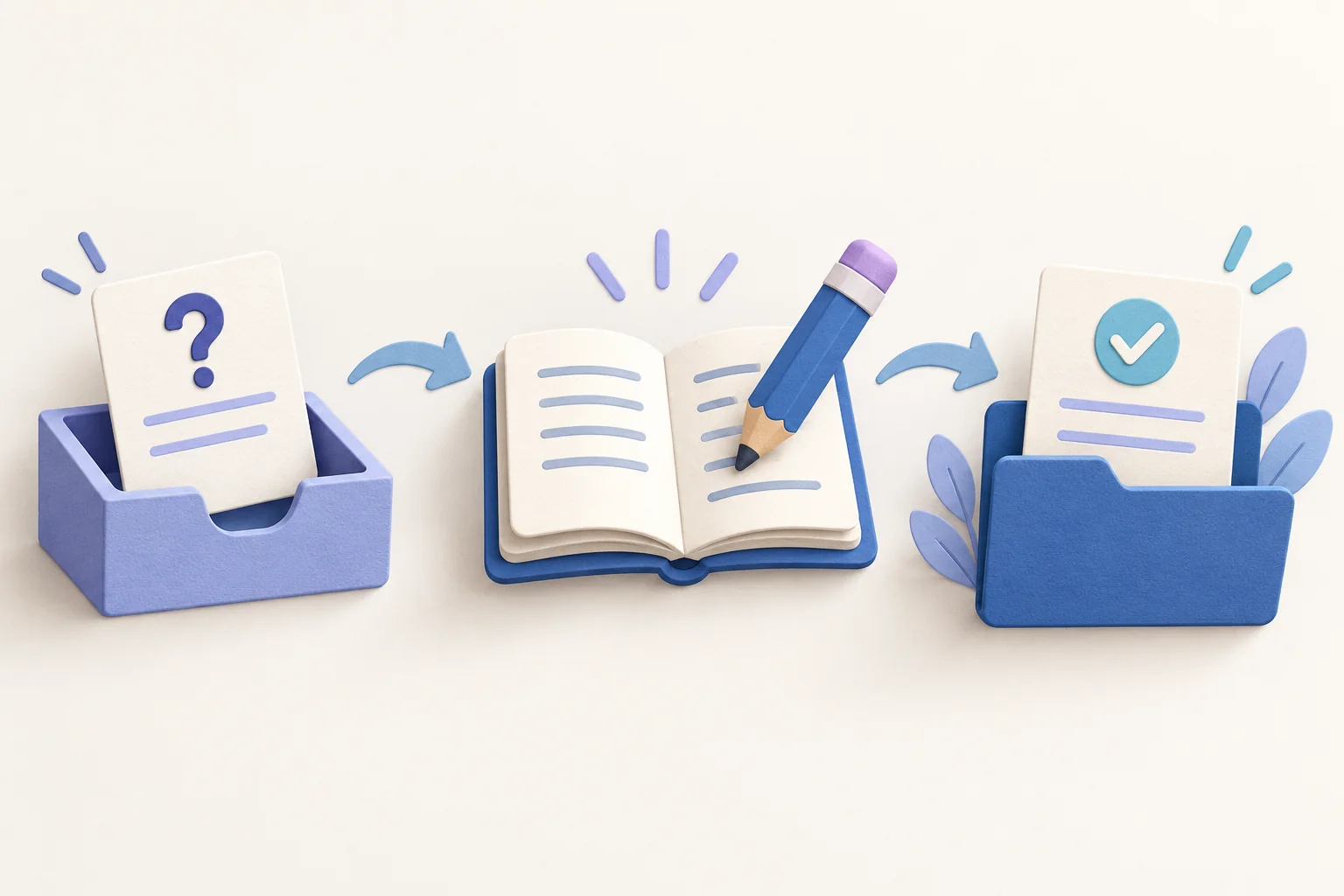
A question the AI could not answer waits for you in a queue rather than disappearing. From there:
- You answer it once, and ChatMai sends that answer to the customers who asked it in the last 24 hours. Anyone who asked earlier is not messaged automatically.
- Only if you approve is the answer saved as an FAQ entry the AI can use next time.
- Questions are grouped per channel, and a saved answer applies only to the channel the question came from unless you choose other channels or All channels.
Each channel keeps its own context
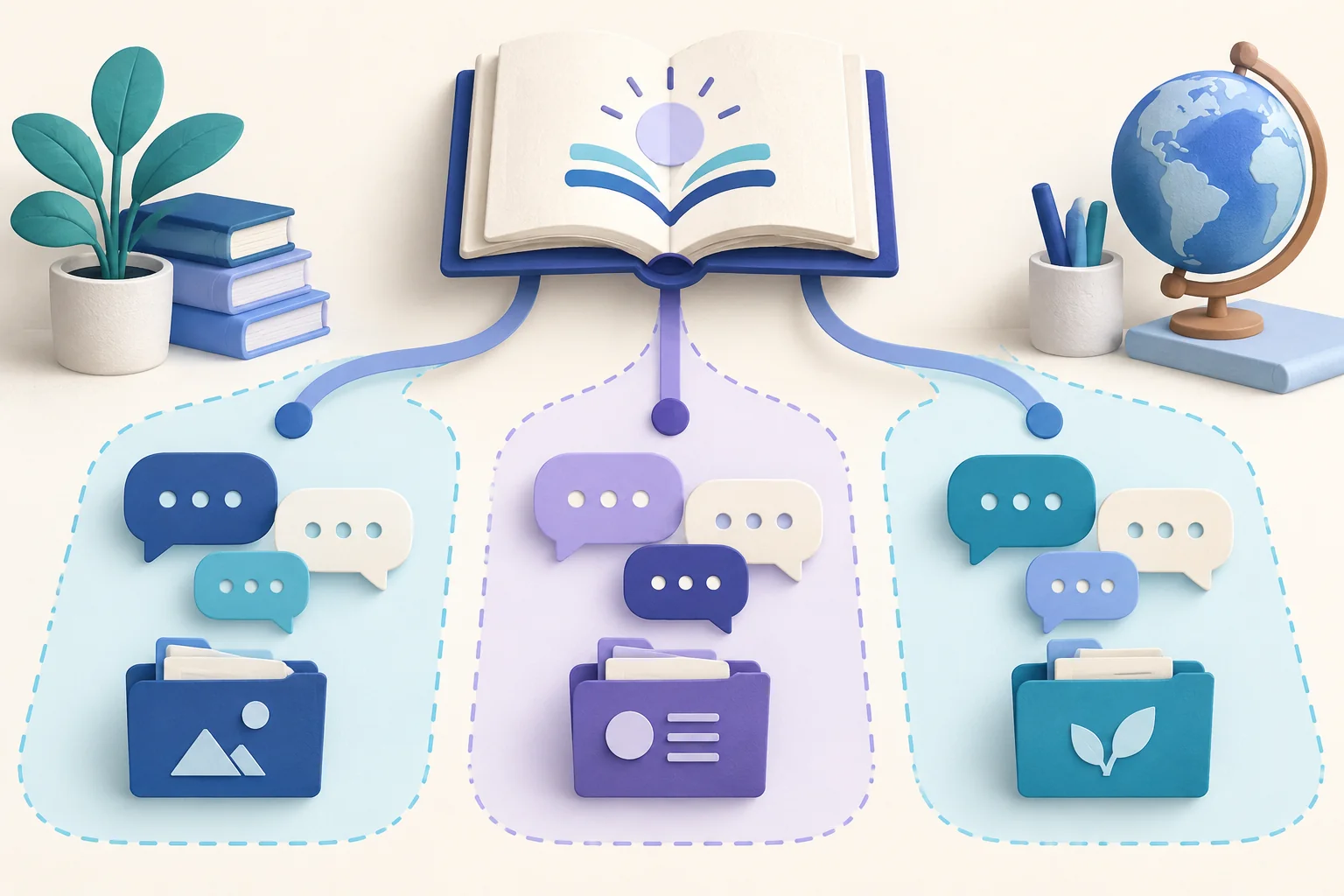
A shop may sell different products, or work to different policies, on different Pages and accounts. Each knowledge entry is either shared by All channels in the workspace or limited to the channels you choose. A conversation reads the shared entries plus those limited to its own channel, so an answer meant for one Page is not used on another.
How the AI behaves can differ by channel too. Named AI configurations cover things like auto-reply hours, which AI answers and whether it reads photos, and you assign each one to a single channel, several, or all of them. An answer from the queue is never sent in bulk to customers of more than one channel.
Before you connect a channel
ChatMai is built to connect Facebook Messenger, Instagram professional accounts, LINE Official Accounts, and the commerce channels Lazada and TikTok Shop. Whether a channel can be connected for your shop depends on that platform's approval and your account setup, so not every channel can be connected straight away.
Shopee chat, for example, is not available in ChatMai for now. Shopee has told us that a seller's own app permission cannot be shared with ChatMai, so keep answering Shopee chats in Seller Centre or the Shopee app until Shopee authorizes ChatMai's app in writing. You can create a workspace and connect the channels that are available yourself, or tell us which channels you use and we will go through what each one needs.

What it does not promise
- It does not guarantee that every reply is correct. Replies are only as accurate as the knowledge you give it, so review and update your entries.
- It is designed to stay silent and queue a question it cannot answer, rather than make up a reply to fill the gap.
- Which channels you can connect depends on each platform's approval and your setup.
- Costs depend on the AI option and the channels you use.
See how it would fit your shop
Tell us which channels you use and what your customers usually ask, and we can go through the setup with you.