
AI or a person? Setting when ChatMai replies and when your team takes over
A practical guide for shops using ChatMai: give each channel its own AI settings, keep the AI's personality separate from its rules, set reply hours, ground answers in your own information, keep chosen messages away from the AI, decide what happens to questions it cannot answer, and test it all before customers do.
Published

Not every chat needs the same kind of answer
Take a small ceramics shop. Most evening messages ask the same few things: is the speckled mug in stock, how long is delivery, is the glaze dishwasher-safe? Then one customer says a bowl arrived cracked, and another asks for forty cups for a wedding. The first group has answers the shop has already written down. The second needs someone who can look at a photo, use judgement and make a promise.
ChatMai is built around that split: the AI takes the routine questions, and you decide, channel by channel, where a person takes over. Here is each setting that draws the line, and how to test it before customers see it.
Give each channel its own settings
Different channels may need different behaviour: quick stock questions arrive on one, long custom-order requests on another. In ChatMai the workspace's AI Settings are the default, and in AI Config you can create named configurations and assign each one to a single channel, several or all of them. A configuration decides, among other things:
- whether the AI replies automatically on those channels, and whether it is switched on for new chats;
- the hours it replies in, which AI it uses, and whether it can read photos and refer to your product catalog;
- what happens when it has no answer, and the operating instructions it follows on those channels.
Each channel shows which configuration applies and why. A channel without its own keeps the workspace defaults. Whether a channel can be connected at all still depends on that platform's approval and setup.

Personality is the voice; settings are the rules
ChatMai separates two things that are easy to mix up:
AI personality: who answers
Its name, avatar, identity and tone, and in Thai whether it speaks neutrally or with the male or female polite particle. A well-chosen personality makes replies sound like your shop.
AI configuration: how it operates
Auto-reply on or off, hours, the AI route and model, photo reading, the product catalog, what to do with an unknown question, and instructions. These decide whether it speaks at all.
Each channel gets at most one of each, assigned separately, so you can keep one warm voice everywhere while one channel hands more chats to a person. If replies sound wrong, check the personality; if the AI answers when it should not, check the configuration.


Ground answers in your own information
The AI states prices, stock, delivery times, policies and other facts only when they are in your knowledge entries, your shop profile or, with Reference products on, your product catalog. An entry can be shared by every channel or limited to chosen ones.
Test it before you rely on it: in the knowledge tester, type a likely customer question, choose which channel's customer to test as, and see exactly which entries the AI would use. If the right entry is missing, the fix is usually in the entry's wording.
A check also rejects replies whose facts the cited text does not support. It compares words, not meaning, so it reduces guessing but cannot promise that every reply is right.

Keep some messages away from the AI
Some conversations should never get an automatic reply. In AI Config each connected channel has its own list of messages the AI won't answer. The ceramics shop might add lines such as:
- "arrived broken" or "cracked", so messages containing those words are left for a person;
- "wholesale" or "bulk order", because those prices are agreed case by case, not listed;
- a word the shop uses for its own internal test messages.
Each line is plain text, matched as Contains (the words appear anywhere) or Whole message (the message is exactly those words). Case and extra spaces are ignored; there are no patterns or wildcards.
A matching message waits in the Inbox for a person and the AI stays completely silent: the message is not sent to any AI, no reply or holding message goes out, no question is queued, and it is left out of later AI history, Suggest and Summary. Other channels are unaffected, even on the same configuration.

When the AI does not know, or the customer asks for a person
When the AI has no answer, what should happen to the chat? Each configuration offers two choices:
Keep the AI on, send nothing
Nothing is sent for that question, which waits in Questions for you, and the AI keeps answering the customer's other questions. Suits a channel where follow-ups are mostly routine.
Hand to a person
The chat goes to a person and is marked in the Inbox until someone replies. Suits a channel where an unanswered question usually means the customer needs real help.
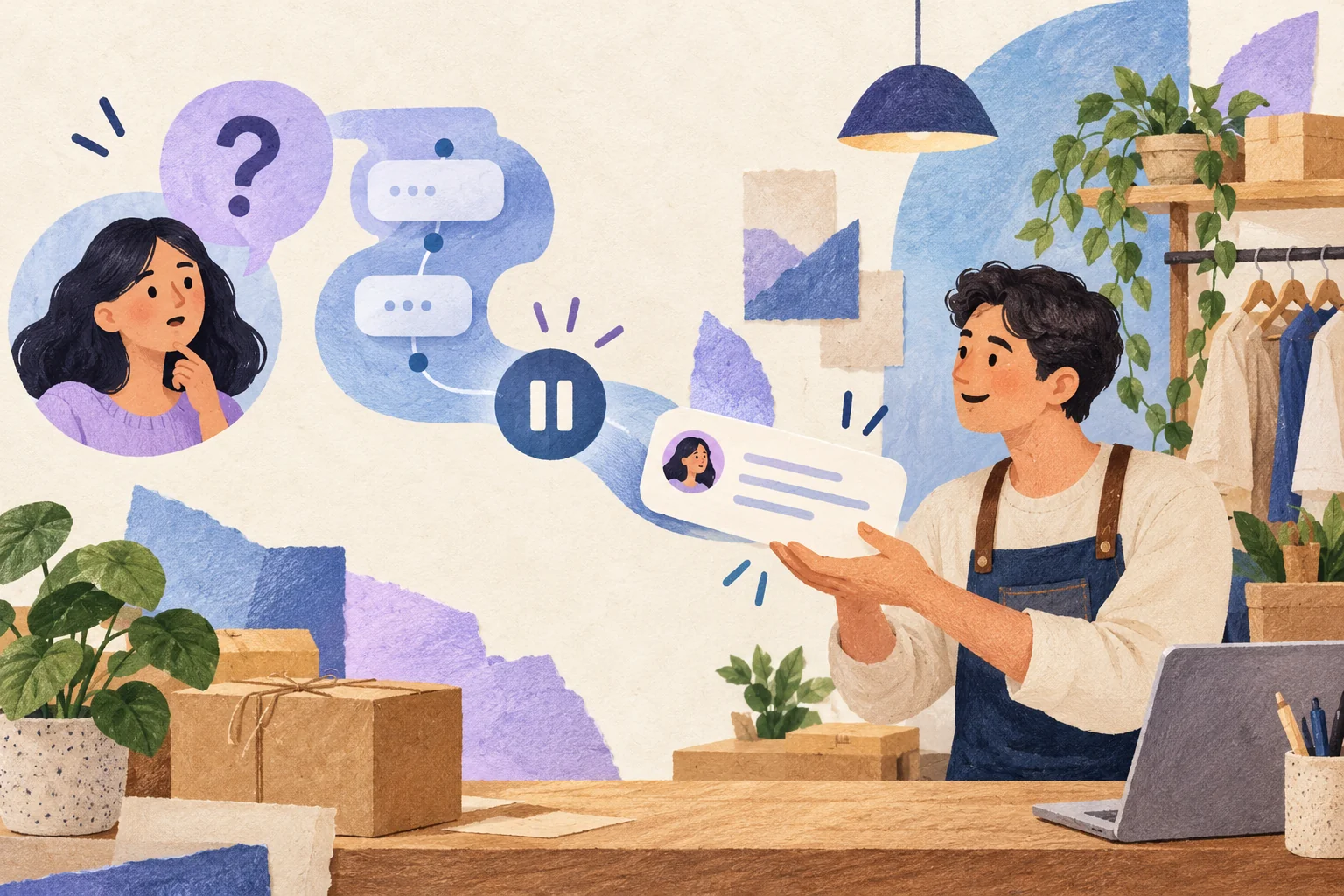
A customer who asks to talk to a person is handed off either way. With Pause AI in the chat after a hand-off switched on, the AI stops answering in that chat until you turn it back on from the chat.
In all these cases the customer gets no automatic holding or hand-off message, so nothing promises a reply time you might miss. Check the Inbox and Questions for you regularly, and reply in your own words.
A test checklist before customers see it
Settings are easiest to trust once you have watched them work. Before rolling auto-reply out to all your customers, switch it on for a controlled test conversation or test channel that only you write to, and try a few realistic messages:
- In the knowledge tester, ask a routine question your entries cover, as that channel's customer, and check which entries it would use.
- Ask something your entries do not cover. Check that it waits in Questions for you, and that the chat is handed off if you chose Hand to a person.
- Send a message containing each line on that channel's list of messages the AI won't answer, and confirm it stays in the Inbox unanswered.
- Write "Can I talk to a person?" and check that the chat is marked as handed off, and paused if you switched that on.
- Send a message outside the reply hours and confirm that nothing is sent automatically.
- Open the channel in AI Config and confirm that it shows the configuration and personality you expect.
Repeat the checks after changing the hours, adding knowledge or connecting another channel. A short test beats finding the problem in a customer's chat.

What to keep in mind
- The support check reduces guessed answers but cannot rule out every mistake, so read the replies from time to time.
- The list of messages the AI won't answer matches plain words only. A customer who describes damage in other words will not match, so add the common wordings.
- Which channels you can connect depends on each platform's approval and setup; not every shop can connect every platform straight away.
Decide where the AI stops, channel by channel
Tell us which channels you use and which conversations you want a person to handle, and we will go through the settings with you.