
The model draws the advertisement, not a template
ContentVelo hands the image model a design brief and gets back a finished advertisement — photograph, layout and headline type in a single pass.
Start free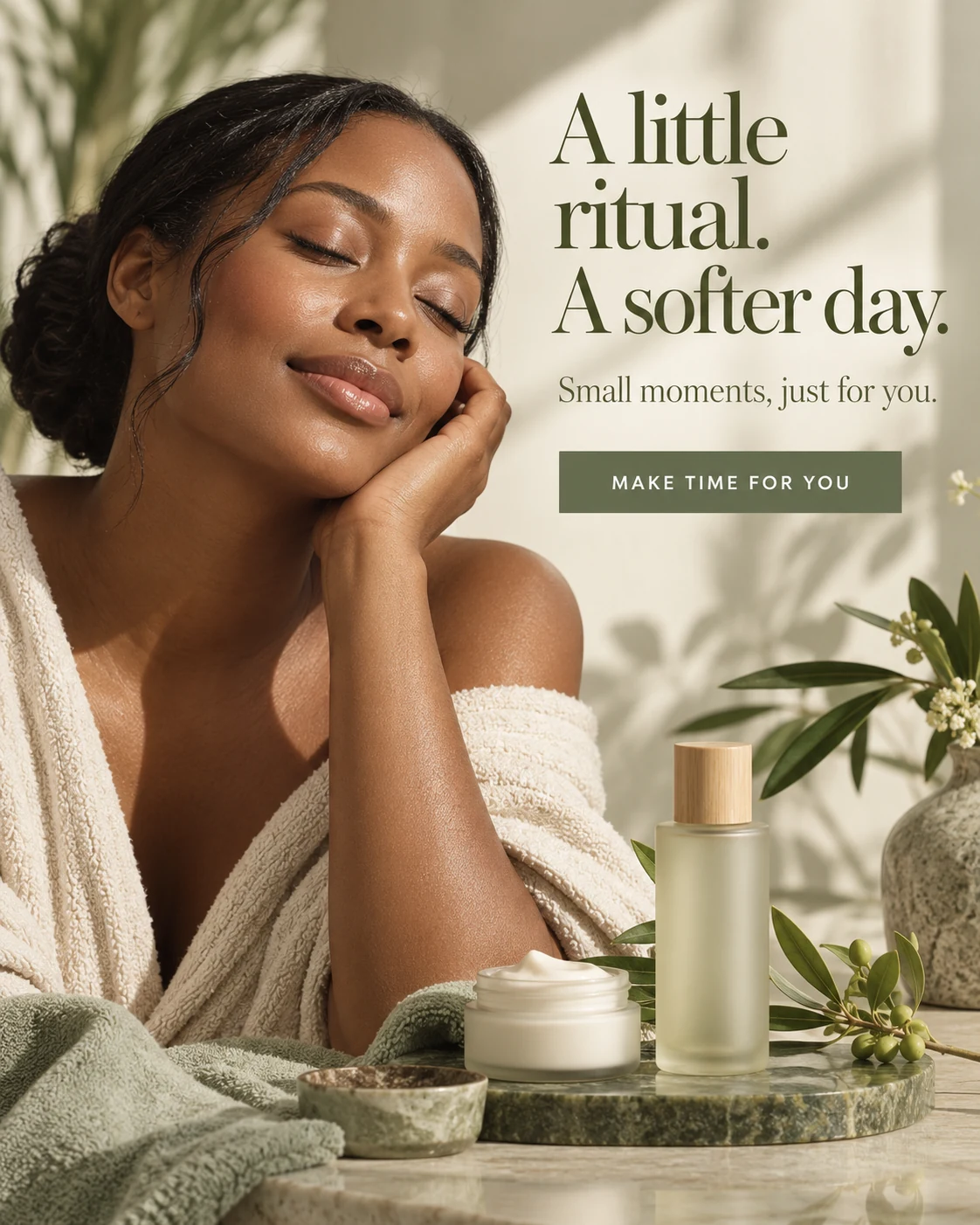
Illustrative AI ad concepts for fictional brands, with language and art direction adapted to each market.
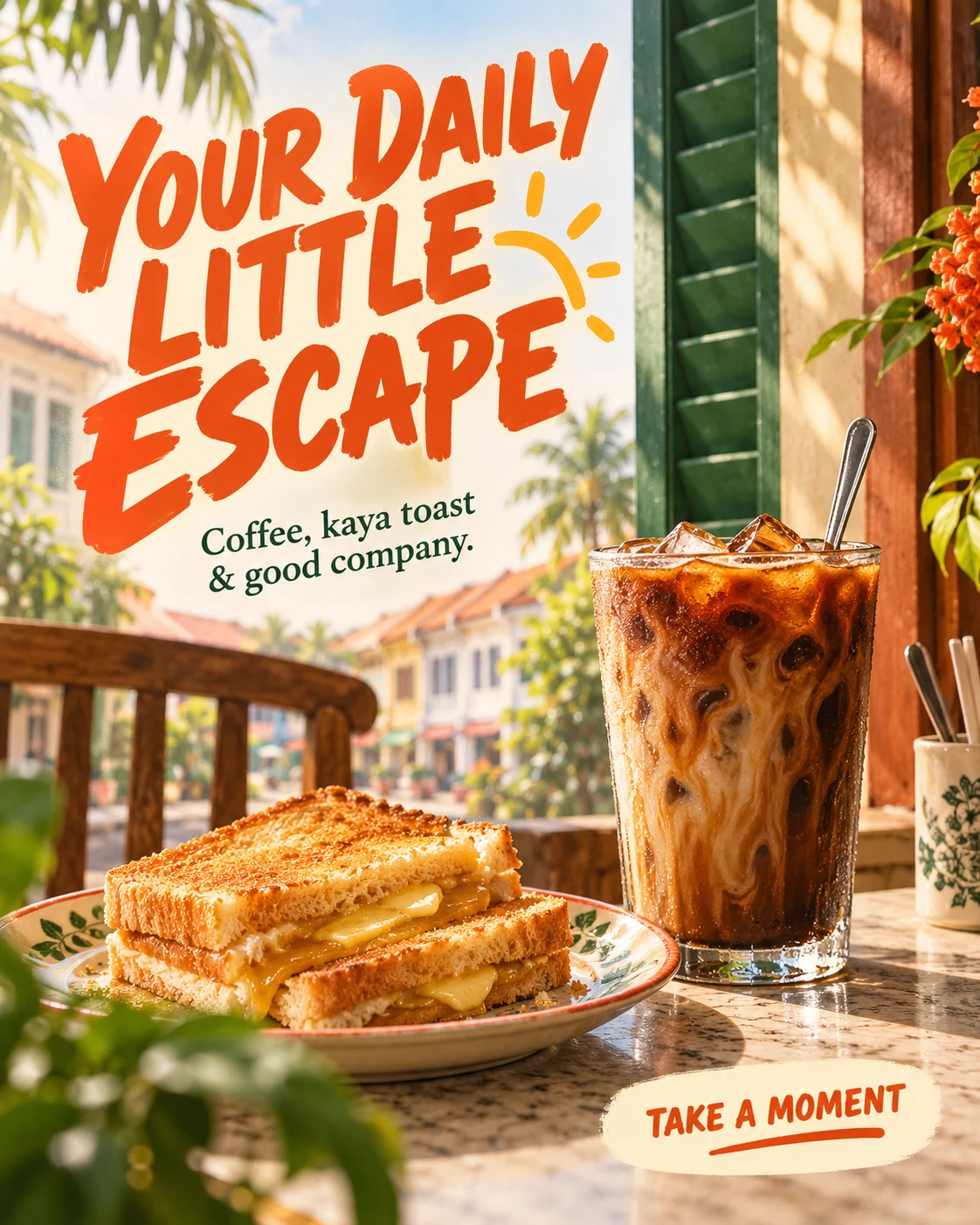
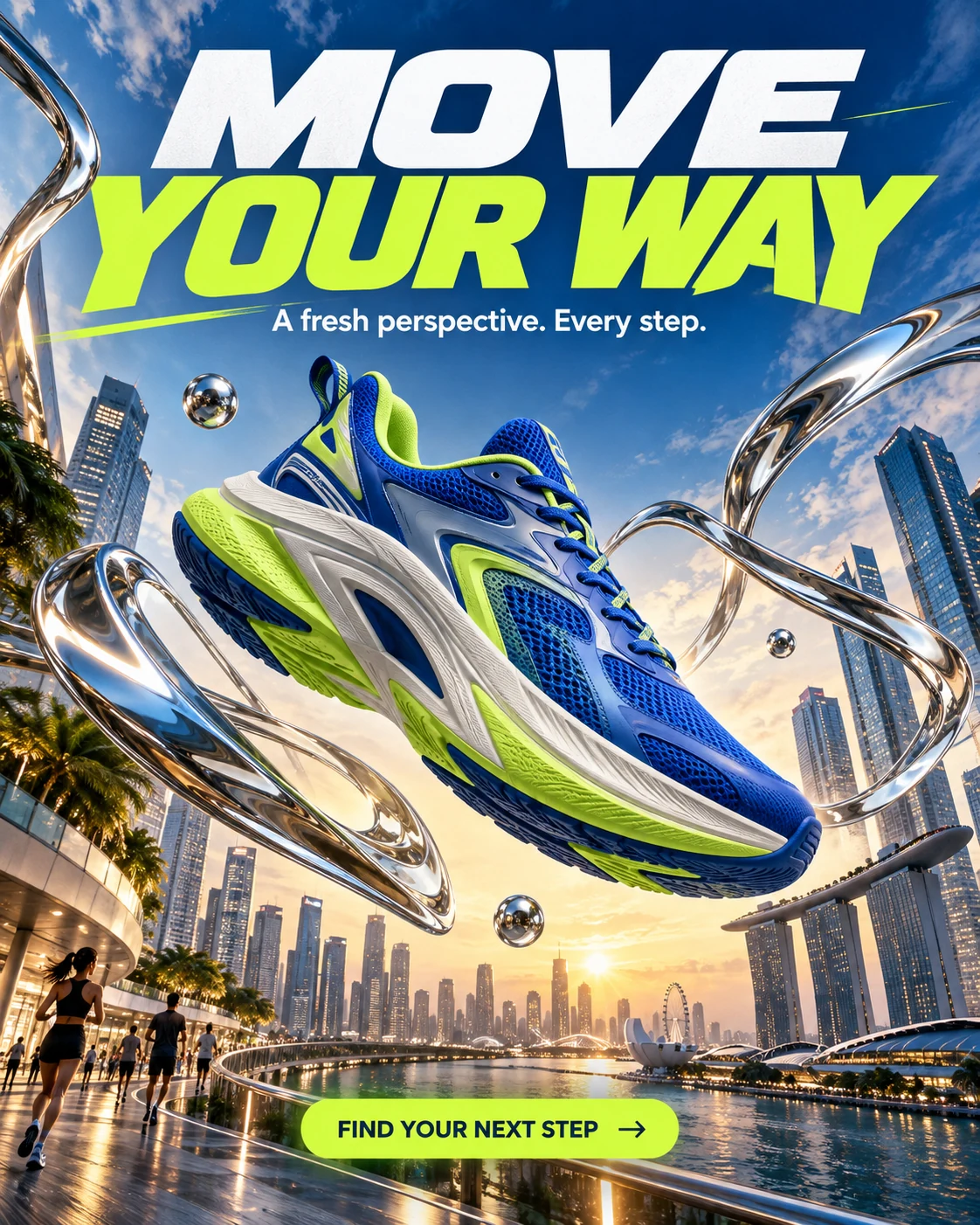
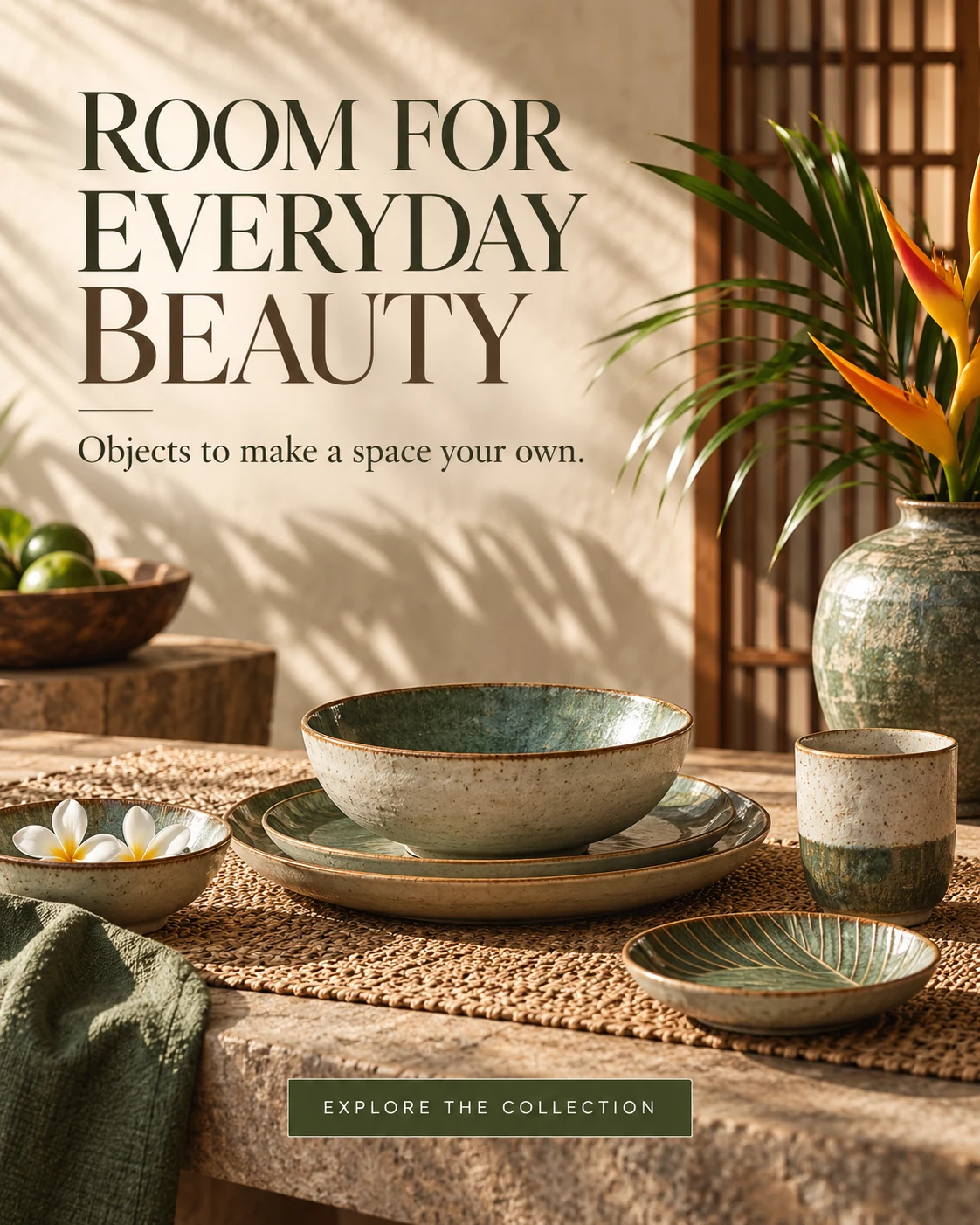
Illustrative AI ad concepts for fictional brands, with language and art direction adapted to each market.
How does ContentVelo make images?
ContentVelo builds a design brief from your post, your brand profile and the format you chose, then sends it to Google's Gemini image model, which draws the whole advertisement — including the headline type. There is no template library and no editor: each image is composed fresh, so two posts on the same page never come back as the same poster with different words.
Why it is not a template editor
ContentVelo used to compose images itself, laying type over a photograph in code, because the assumption was that an image model could not set Thai. Tested properly, that turned out to be wrong: the model renders Thai accurately, tone marks included — verified by transcribing its own output back and comparing character for character. Its compositions were also better than the templates, and different every run, where a template produced the same picture for every post on a page. So the compositing code was deleted and the brief is now handed straight to the model.
Fourteen art directions
A style is not a filter name. Each one carries real direction — lens, aperture, lighting, depth of field — and belongs to a family that decides whether the model is asked for photographic authenticity, render precision, or drawn linework.
Five of them are described below. The other nine are Swiss Design, Clay Style, Cyberpunk, Collage Art, Pop Art, Editorial, Handwritten, Aurora and Vector Art, and you choose them in the app the same way.
Realistic
A documentary photograph. Full-frame, 50mm at about f/2.0, soft directional daylight, shadows open rather than crushed.
Cinematic
A single frame from a feature film. Wide 35mm framing, one strong key light falling deep into shadow, a moment caught mid-story.
Minimalist
A spare studio photograph. One subject, a plain backdrop, generous empty space, two or three tones and nothing unnecessary in frame.
3D
A precise render. Clean geometry and controlled materials, for product and concept work that should not read as a photograph.
Illustration
Drawn linework and flat colour. Deliberately not photographic — useful when a photograph would overstate what you can actually show.
Nine advertisement formats
A format is a composition brief, not a layer stack. It tells the model where the message sits and how much of the frame the photograph gets.
Photo only
No text anywhere in the picture. Every sign and screen in the scene is blank; the words live in the caption instead.
Headline over photo
The photograph fills the frame; the headline sits across the lower third over a soft dark gradient, with a supporting line beneath.
Top banner
A solid panel across the top third carries the headline in heavy type; the photograph fills everything below it.
Knowledge card
A small pill badge top left with the headline directly beneath it. For posts that teach rather than sell.
Offer
Built around a price or a discount, with the offer given the weight in the composition.
Full-frame quote
The words are the picture. For testimonials and for lines that carry on their own.
Tips
A numbered or bulleted set of short points, composed as a single readable card.
Infographic card
Pure graphic design with no photography at all — for figures, comparisons and process steps.
Promo strip
The promotional message runs along the bottom of the frame, leaving the photograph mostly uncovered.
Ten aspect ratios
The image is requested at the ratio you want. It is not generated square and then cropped, which used to throw away up to 44% of a vertical frame.
Cover and wide
Feed
Stories and Reels
Thai type, set properly
Thai stacks a vowel above the consonant and a tone mark above that — ที่, นี้, เพิ่ม. Most image models mangle it. We checked this one by transcribing its output back and comparing character for character against the headline we asked for.
What you control
- Style, format and aspect ratio per page or per post
- Brand palette and where the logo goes — the corner the brief reserves for it, or drawn into the composition
- Reference images of your own shop, team or products
- Product photographs used directly when the post is about an item
It does not chase a perfect verdict
Each image is judged against the brief by a second model call. A blank or malformed frame is worth one more attempt, and gets it. A slightly imperfect piece of wording is not: the image stands. That policy used to retry three times over, on the assumption an image cost a fraction of what it really costs, and could spend several times a post's budget chasing a verdict that is sometimes wrong anyway.
Preview costs nothing
Pick a style, a format and a ratio and the sample appears straight away — generated once and shipped with the product, so it costs nothing and uses none of your allowance. Generating one on your own page, with your own brand, uses one of the ten free AutoPilot previews a day and comes back carrying our mark. No credit is spent until you generate a post you intend to publish.
Try a configuration on your own page
Connect a page, set a style and format, and look at the preview before you decide.